
A man-down app that alerts your dispatcher.
A worker on their own cannot always call for help. Respondr watches for a fall or a long stillness through the phone’s motion sensors, and if nobody cancels the pre-alarm, the dispatcher receives an SOS with the worker’s position.
Related pages
Man-down is a function of the Respondr mobile app. The devices it runs on and the history that keeps each alarm have their own pages.
Mobile app
Supported devices
Voice recorder
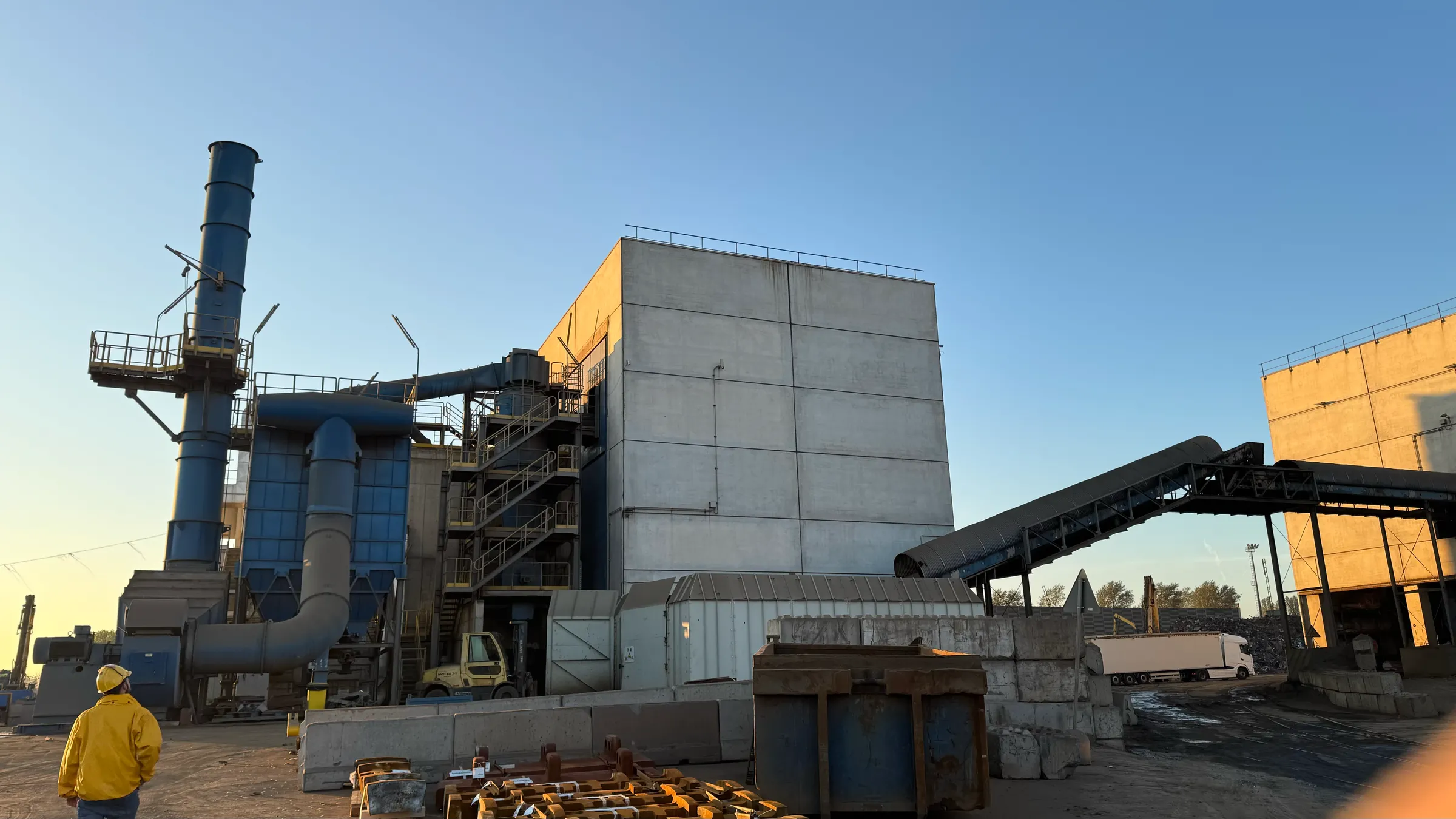
The phone notices the fall.
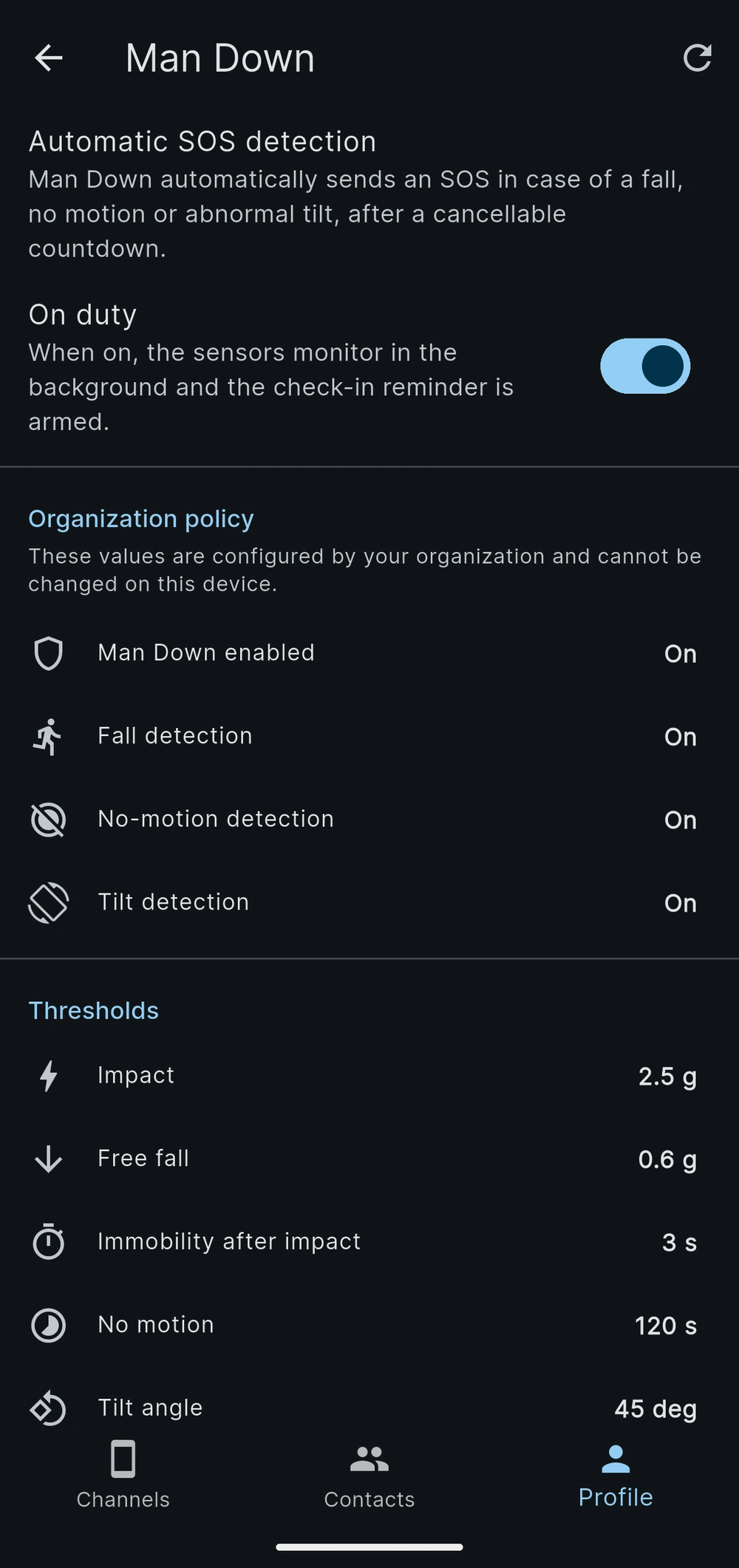
While the worker is on duty, the app reads the phone’s motion sensors and looks for three situations: a fall, a long period without movement, and a phone left tilted. A periodic check-in can also ask the worker to confirm that everything is fine.
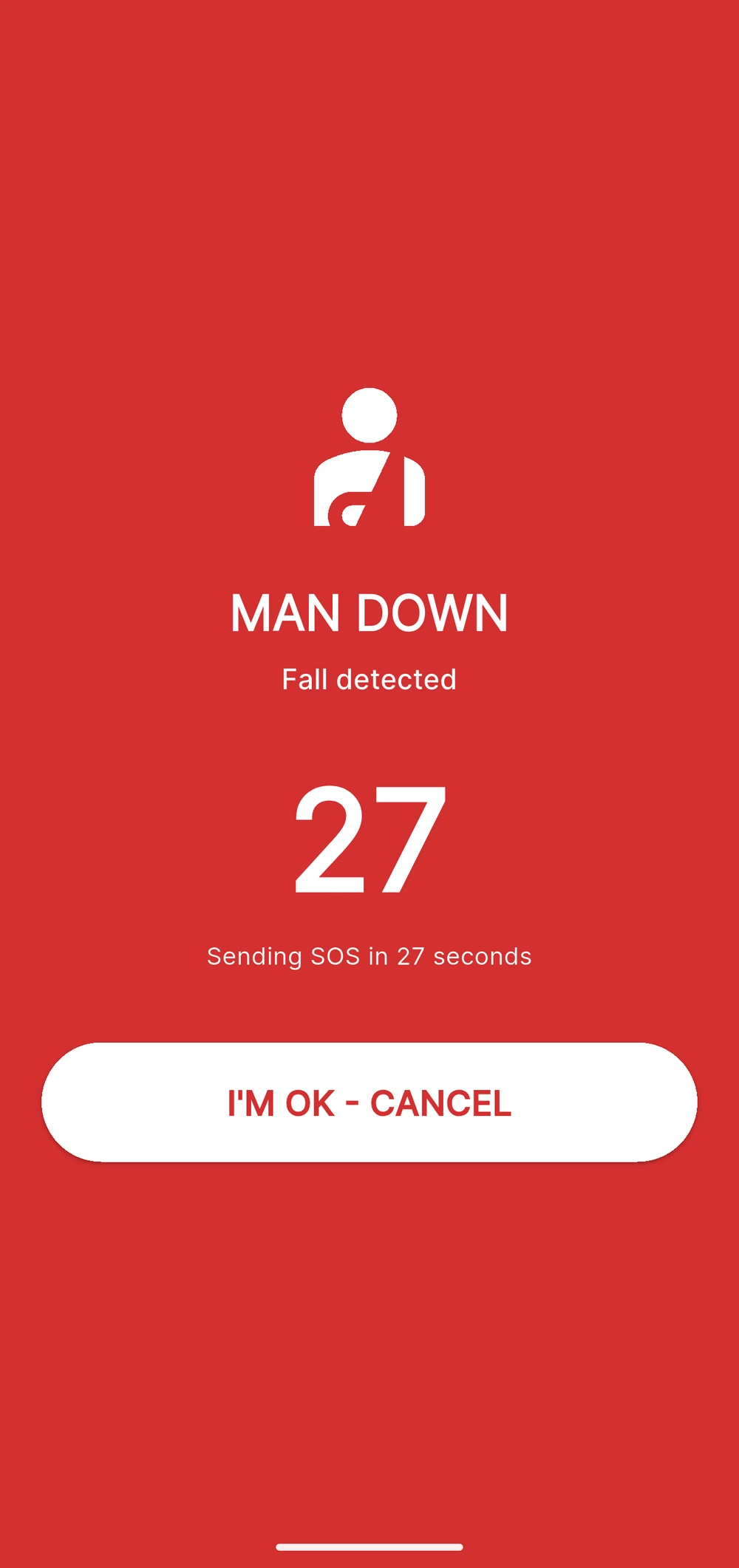
A false alarm is cancelled in seconds.
When a detector fires, the phone starts a pre-alarm countdown. If the worker is fine, one tap cancels it and monitoring starts again. If nobody answers, the countdown ends and the app raises the SOS on its own. The worker can also raise it directly, from the app or from the emergency key of a rugged phone.
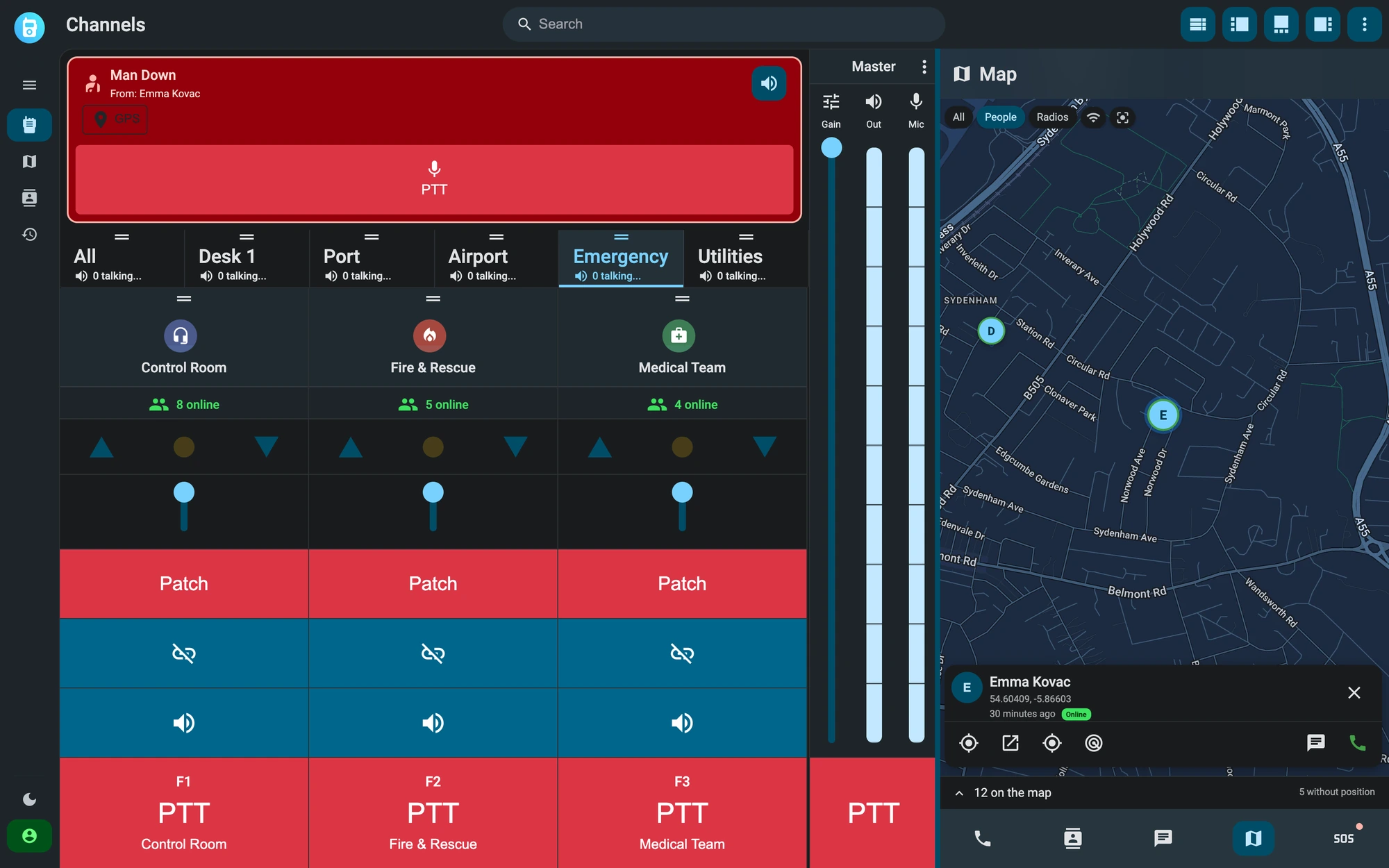
The alarm reaches the control room.
The SOS arrives on the dispatcher’s console with the name of the worker and the position recorded when the alarm started. The dispatcher acknowledges it, coordinates the response on the usual channels and closes the event when it is resolved. Each alarm stays in the history with the recordings of the same period.
How lone-worker protection works
The functions below ship in the Respondr mobile app and dispatch console. The administrator sets them once for the whole organization.
Three detectors
Check-in reminder
Organisation policy
Position with the alarm
Voice on the same channels
Alarm history
Frequently asked questions
No. Detection uses the motion sensors of the phone that already runs Respondr. Rugged phones with a dedicated emergency key can also raise the SOS from that key.
The phone starts a pre-alarm countdown. If the worker cancels it, monitoring resumes. If nobody does, the app sends the SOS to the dispatcher with the worker’s position.
The administrator. Thresholds, active detectors and check-in interval are an organization policy set from the dashboard. The worker only switches monitoring on and off at the start and end of a shift.
Yes. The alarm arrives on the same dispatch console that carries the push-to-talk channels, so the dispatcher can speak to the worker and to the team sent to help.
This page describes what the app does. It does not certify compliance with a specific standard: choosing a lone-worker system remains part of your organization’s own risk assessment.
We’ll show you Respondr in a live demo.
We offer a 30-minute live demo built around your radio infrastructure.