
The button on the side of the phone, wired to the radio.
A push-to-talk app is only as good as the key you press without looking. Respondr maps the real hardware button on rugged phones, PoC radios, Bluetooth accessories and dispatch consoles — and it opens the same controls to any Android device that can fire an intent.

Respondr works with these gateways, devices and accessories.
Each product says what Respondr does with that device.
Radio gateways
Gateways connect Respondr to DMR, TETRA and analog radio networks.
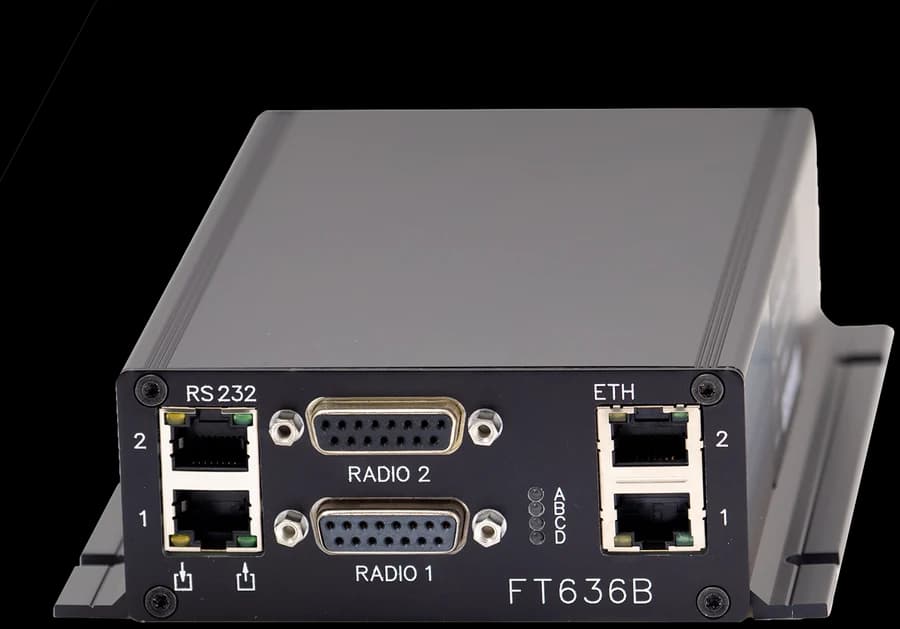
FunkTronic
FT636B
Connects analog networks with a 4-wire E&M interface.
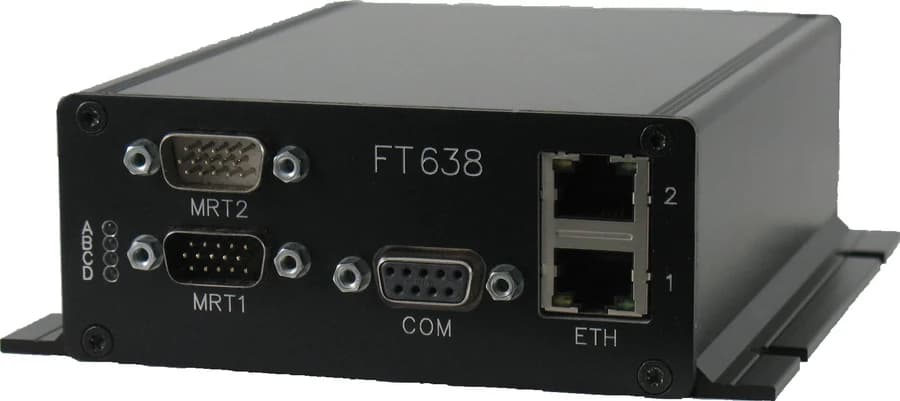
FunkTronic
FT638
Connects DMR Tier I, II and III and TETRA networks.

Radio Data
BS2500
Connects analog and DMR Tier II and III networks.
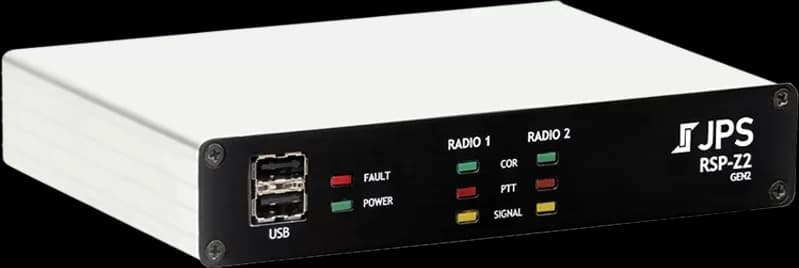
JPS Interoperability Solutions
RSP-Z2
The RoIP gateway connects the radios you already have to Respondr.
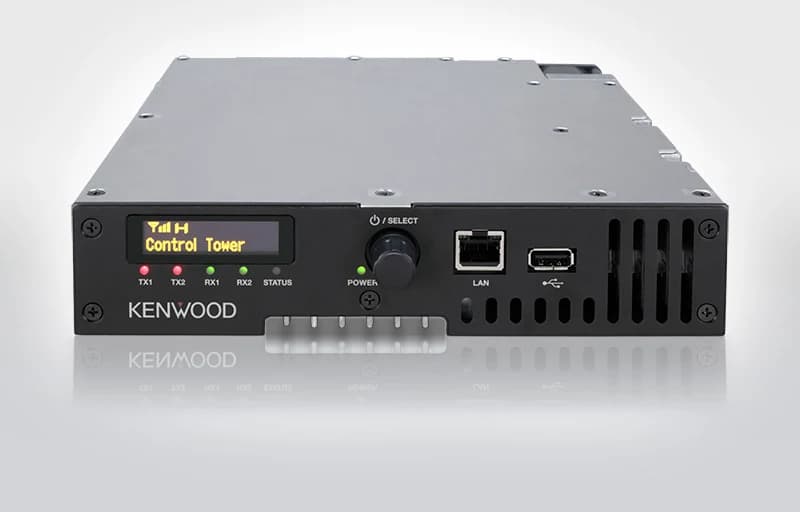
JVC Kenwood
NXR series
Connects analog, DMR Tier II and NEXEDGE networks.
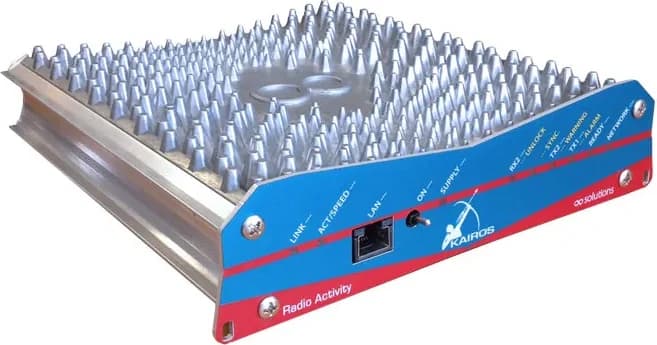
Radio Activity
Kairos
Connects analog and DMR Tier II and III networks.
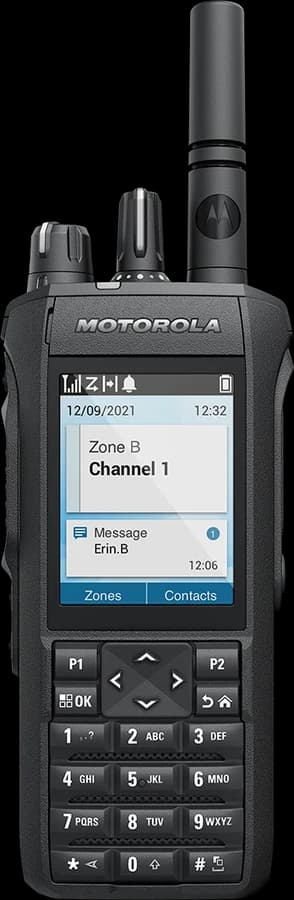
Motorola Solutions
MOTOTRBO
Respondr shows the GPS position of MOTOTRBO radios on the map (LRRP protocol).
The dispatcher can request a radio’s position.
The radios reach Respondr through a Radio Activity gateway.
PoC and vehicle radios
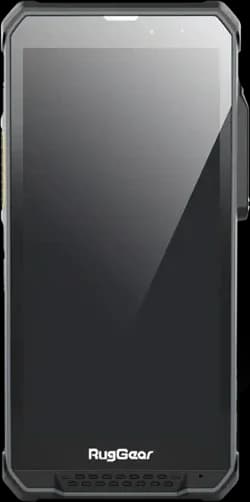
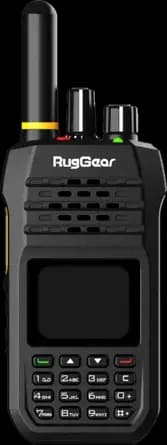
These Android radios have a physical PTT key that Respondr uses directly.
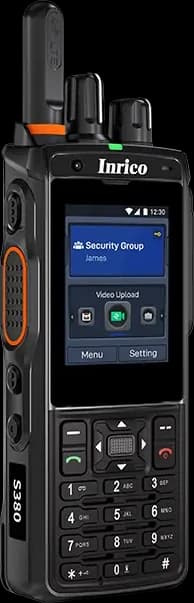
Inrico
S380
The PTT key starts a transmission.

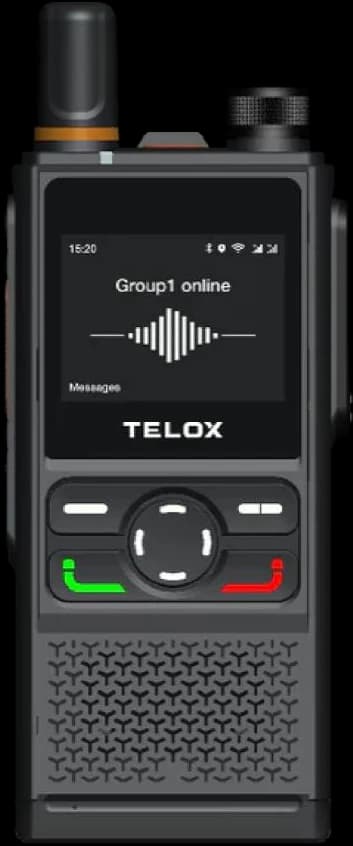
Telox
M6P
The vehicle PTT key starts a transmission.
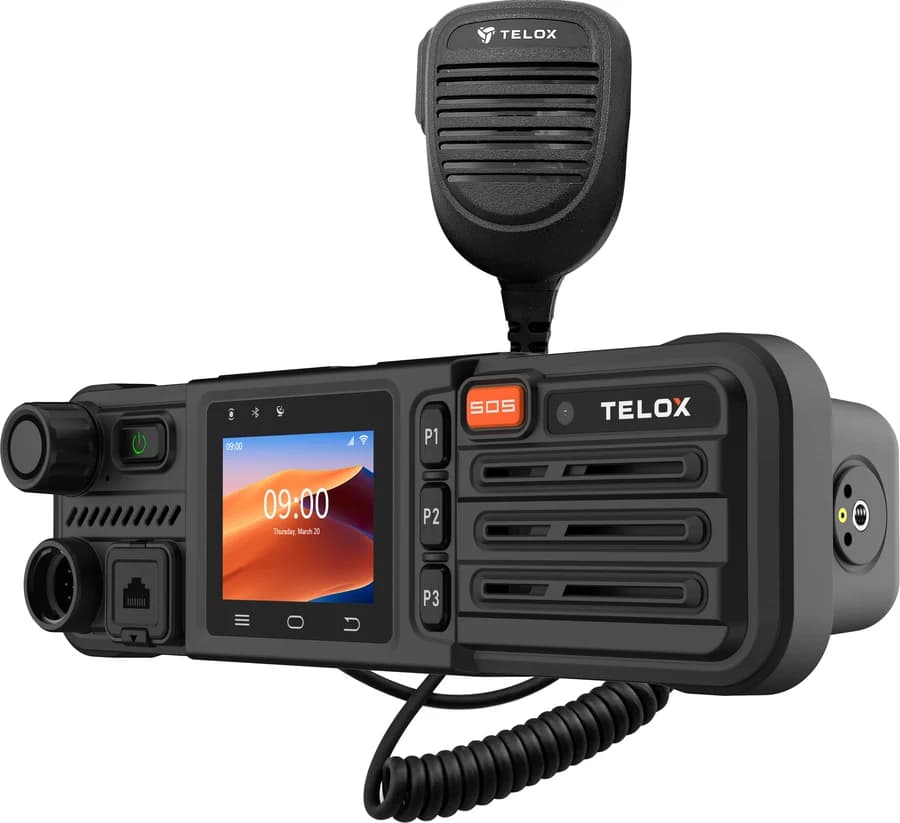
Telox
M3
The vehicle PTT key starts a transmission.
Rugged smartphones
These phones add a real PTT key to a smartphone.

Samsung
Galaxy XCover
The XCover key starts a transmission.
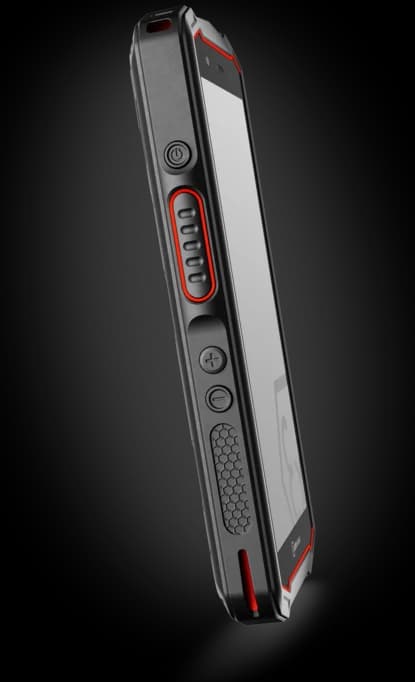
i.safe MOBILE
Rugged phones
The hardware keys handle PTT, channel change and push-to-video.
Siyata
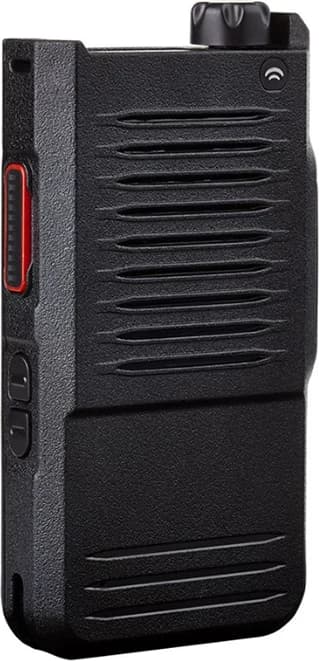
SD7
The rotary knob changes channel.
Control-room consoles
Respondr consoles also work with no server, with FunkTronic gateways.

Respondr
Mini
It is the compact console for one operator position.

Respondr
Pro
It is the standard console for the control room.

Respondr
Max
It is the console with the largest touch surface.
Accessories
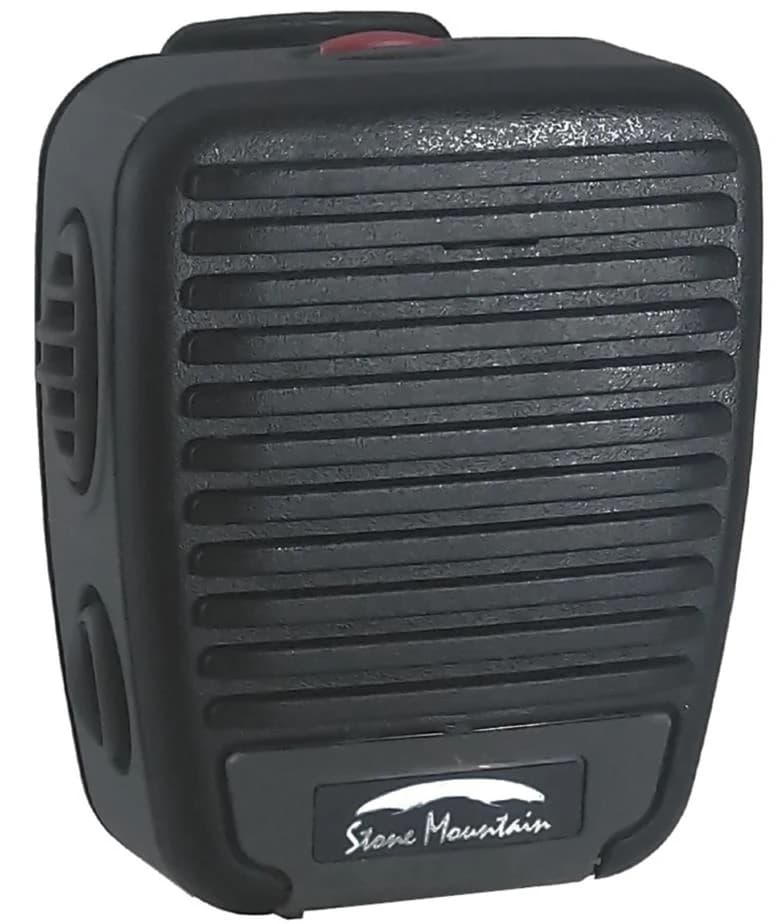
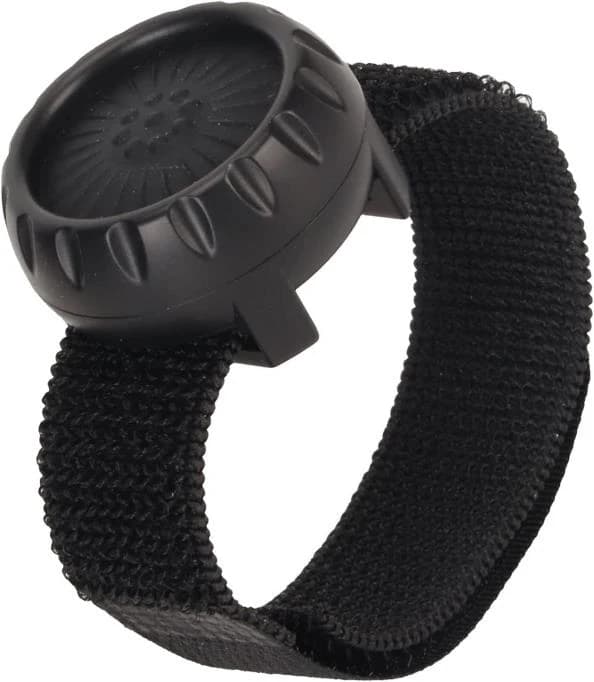
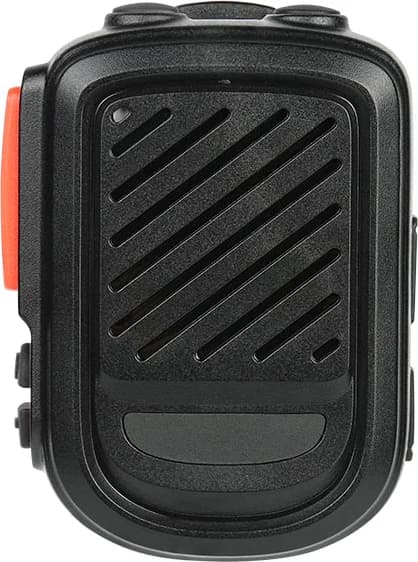
A speaker-microphone or a button adds a PTT key to any phone.
RAYTALK
RSM-350-USB-C
The speaker-microphone connects with a USB-C cable.
Related pages
The devices listed here run the Respondr mobile app. The app, its man-down alarm and a guide to PoC radios have their own pages.
Mobile app
Man-down and lone worker
PoC radio guide
Press the hardware button, not the screen.
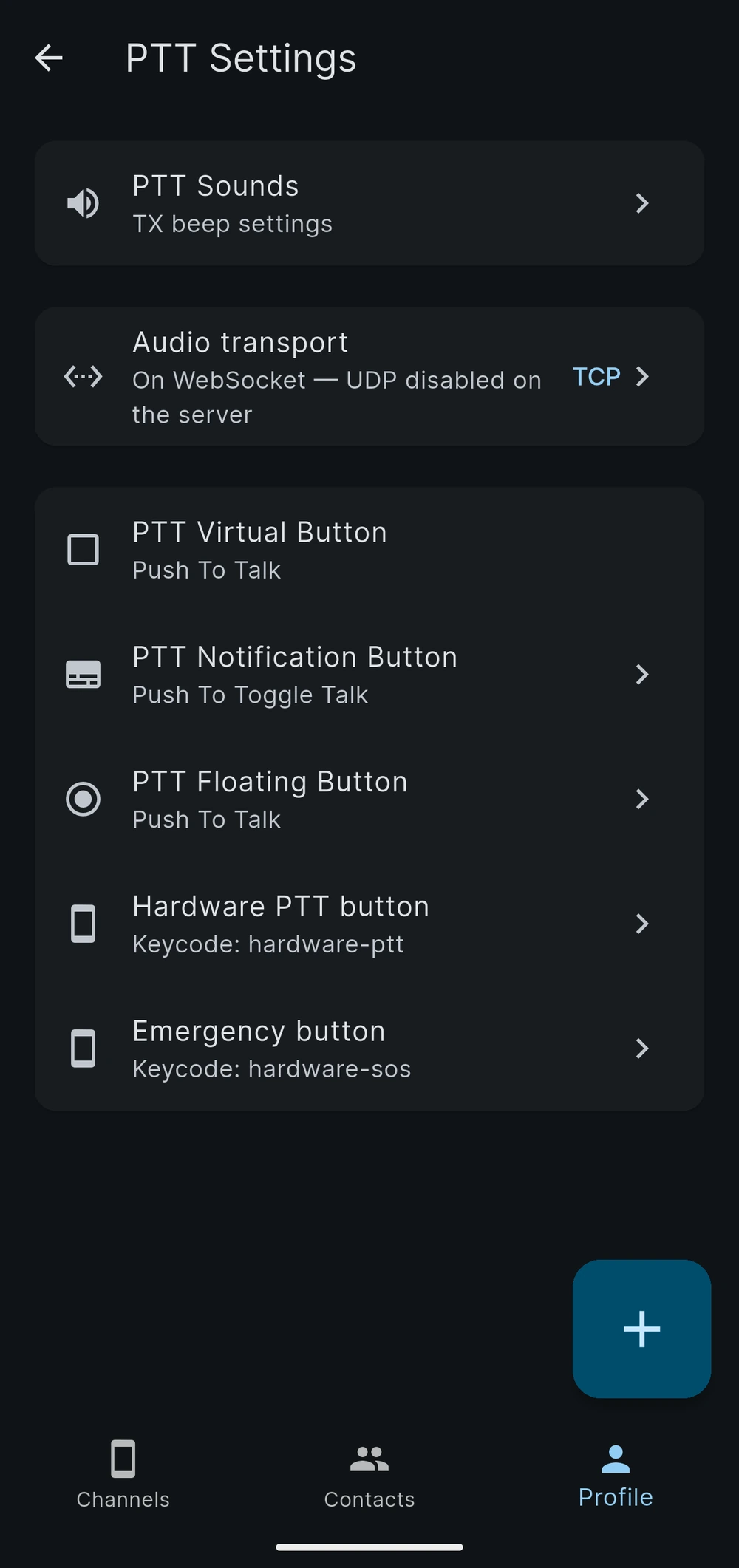
On a Samsung Galaxy XCover the XCover key transmits and the emergency key raises an SOS. On RugGear, Inrico, Telox, iSafe and Siyata devices Respondr binds the vendor PTT key the same way. Gloves on, screen off, in the rain — the key still works.
Add a key to any phone.
A phone without a PTT key becomes one with a Bluetooth button clipped to a strap, or a USB-C speaker-microphone. Respondr detects the device, reads its button map, and remembers the assignment.

Consoles built for a dispatcher’s desk.
In the control room the operator needs dedicated keys, a gooseneck microphone and a screen that never sleeps. Respondr runs on dedicated consoles in three sizes, and the Pro and Max consoles run self-contained, with no server required on site.

What makes a device work
The four ways Respondr reaches a physical button, and what you get once it does. If your hardware fits one of these, it works — it does not need to be on a list.
Vendor key intents
Bluetooth LE buttons
USB HID accessories
Emergency and man-down
An open intent set
Managed deployment
Which key does what
| Device | Physical key mapping |
|---|---|
| Samsung Galaxy XCover | XCover key → push-to-talk · Emergency key → SOS alert |
| RugGear RG880i / RG190 | Vendor PTT key → push-to-talk |
| Inrico PoC radios | Vendor PTT key → push-to-talk |
| Telox TE350 | Vendor PTT key → push-to-talk |
| Telox M6P / M3 (car) | Vehicle PTT key → push-to-talk, in-vehicle layout |
| Inrico S380 | PTT key → push-to-talk, side keys → channel change |
| iSafe Mobile | PTT key, channel next/previous, push-to-video |
| Siyata SD7 | Rotary knob → channel, three side keys → assignable |
| BluSkye RSM (BLE) | Multiple buttons, assignable in the app |
| PTT Z01 (BLE) | Single button → push-to-talk |
| RAYTALK RSM-350-USB-C | Wired speaker-microphone with PTT |
| Any other Android device | Map a key to a Respondr intent — see below |
Devices by category
Respondr runs on ordinary iPhones and Android phones as well. This list is about hardware with a dedicated key, where the app does more than render a button on glass.
PoC radios
Vehicle radios
Rugged smartphones
Standard phones
Accessories
What you add when the phone itself has no key, or when the operator’s hands are somewhere else.
BluSkye RSM
PTT Z01
RAYTALK RSM-350-USB-C
Respondr console keys
Frequently asked questions
Yes. Respondr binds the XCover key through the Samsung Knox hardware-key interface, so pressing it transmits and releasing it stops — the same behaviour as a radio. On models with a dedicated emergency key, that key raises an SOS alert instead. No extra accessory is needed.
Almost certainly. Respondr runs on any current iPhone or Android phone. If the device has a programmable key that can send an Android intent, it can drive push-to-talk, SOS, channel change and replay — the intent names are documented and open. Tell us the model in the demo and we will confirm.
Yes. A BluSkye RSM or a PTT Z01 pairs with any phone running Respondr and turns it into a push-to-talk device with a real key. Assignments are stored on the phone and survive restarts.
No. A dedicated key helps when the user wears gloves or cannot look at a screen, which is why rugged phones and PoC radios exist. For office, vehicle and supervisor roles, an ordinary phone with the on-screen control is usually the right tool.
Through Android Enterprise Device Owner, with Esper or another MDM. The server address, the user and a provisioning token are pushed as managed configuration, permissions are pre-granted, and kiosk mode locks the device to Respondr. Zero Touch enrolment is supported on RugGear, Inrico and Telox hardware.
The vendor key intents reach Respondr while it runs in the background, which is its normal state — it holds a foreground service so audio and alerting keep working with the screen off.
We’ll show you Respondr in a live demo.
We offer a 30-minute live demo built around your radio infrastructure.