
Your team talks over push-to-talk even without radios.
An intercom channel is a Respondr channel with no radio behind it: the server relays the voice between the people using the app and those using the browser console. You can create your workspace, invite your team and be talking within minutes, over Wi-Fi, LTE and 5G.


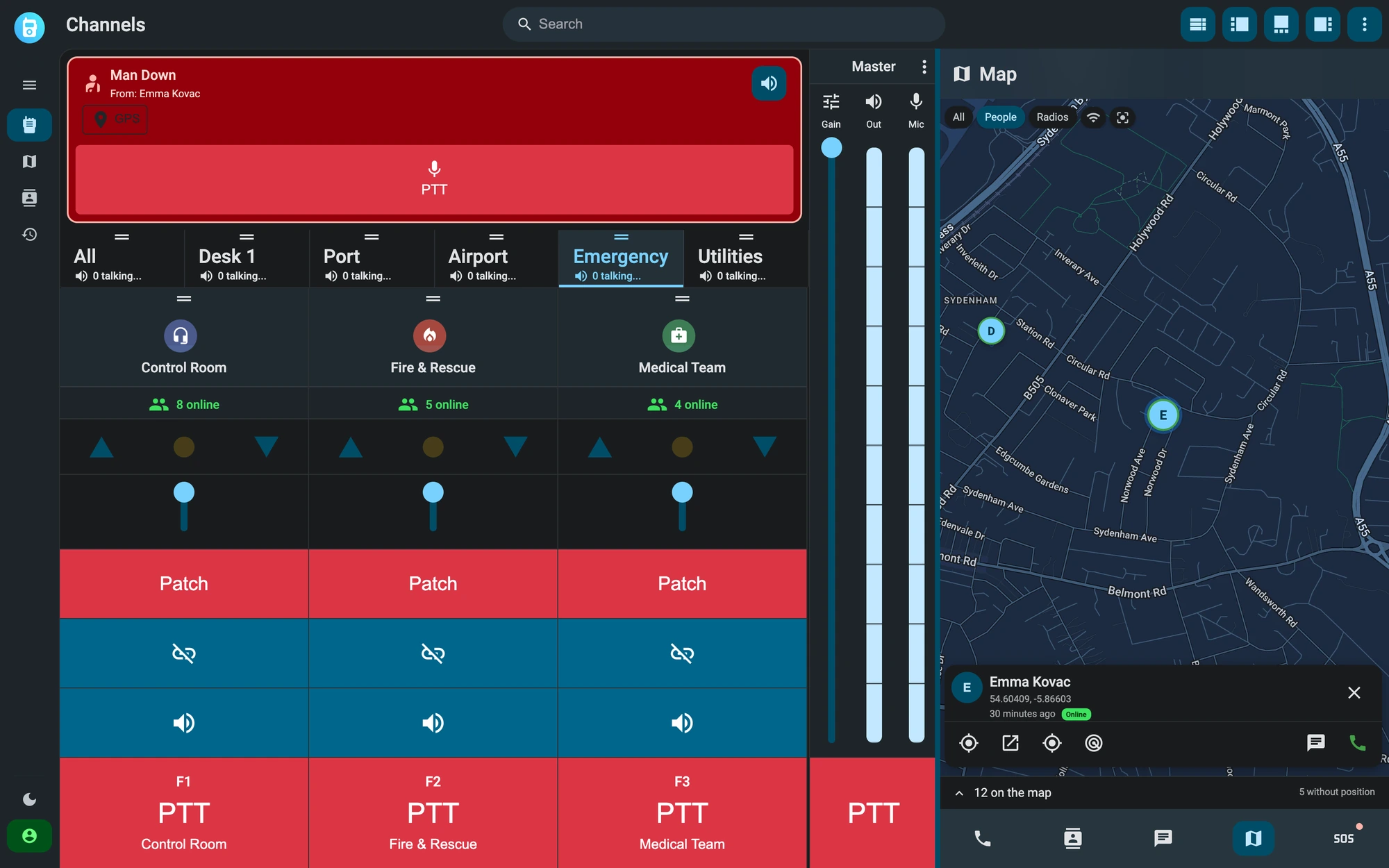
The control room is in the browser.
The control room sees every channel, who is talking and where the team is on the map. From the same console the administrator creates channels in seconds and manages users, permissions and devices. There is nothing to install.
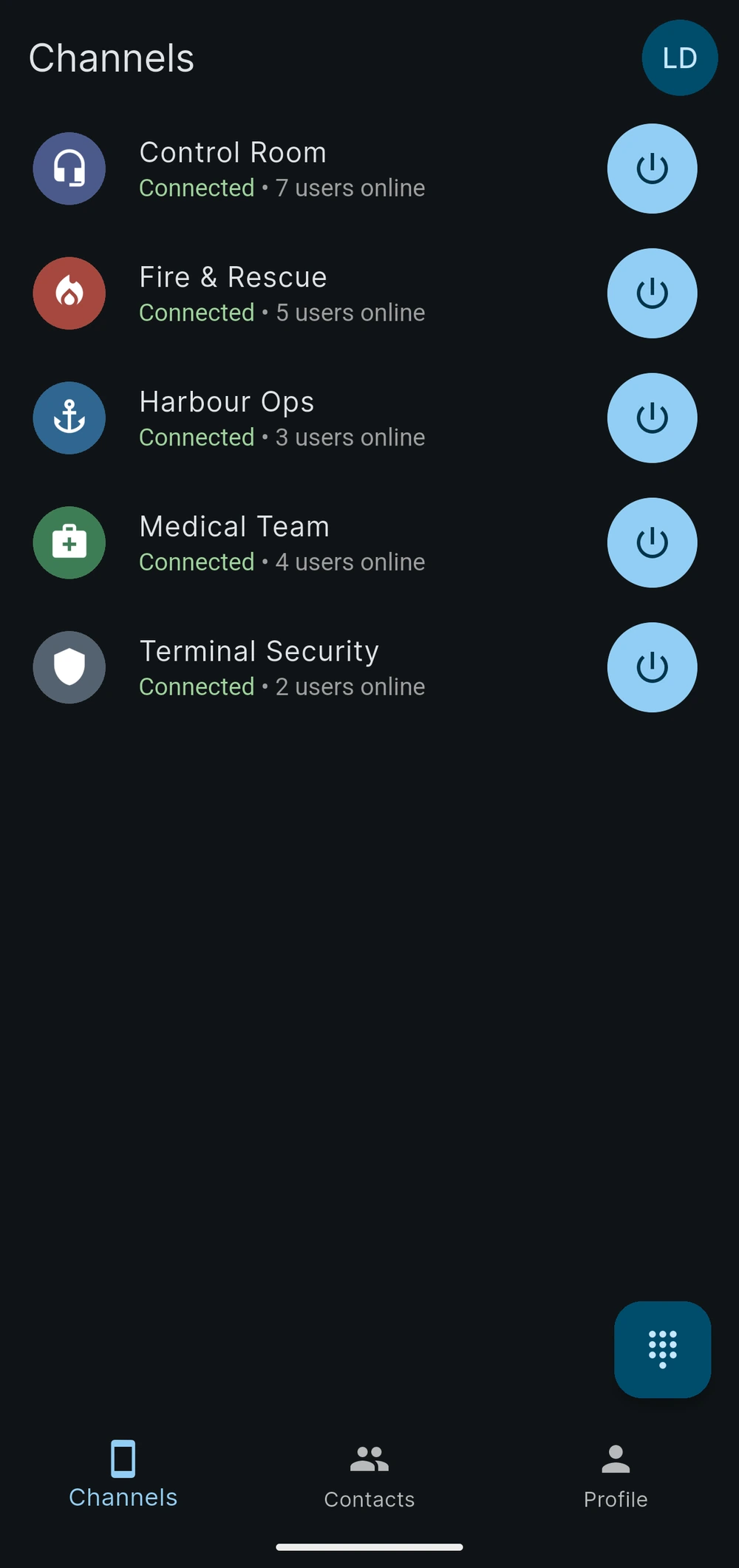
Every team has its own channel.
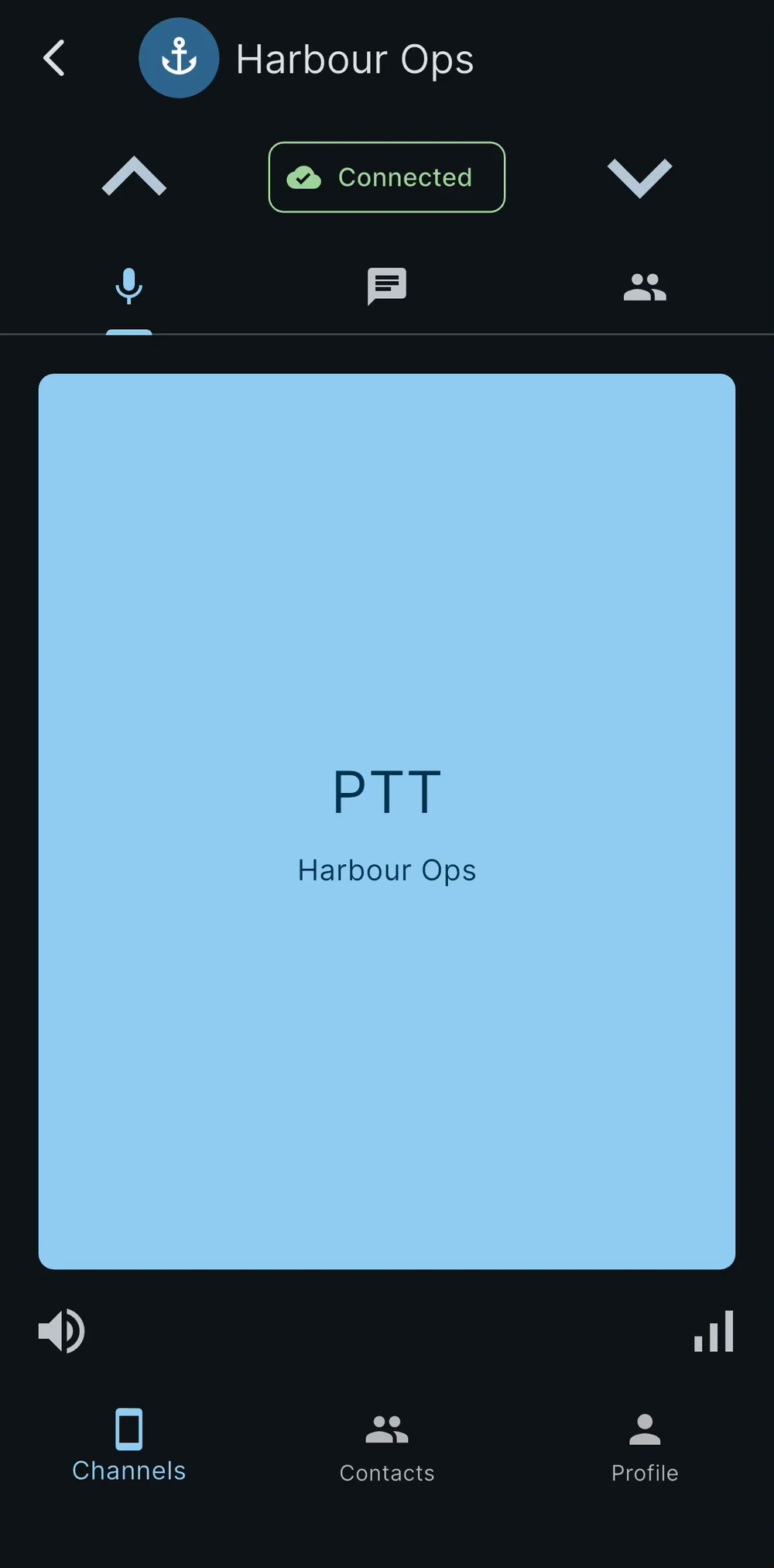
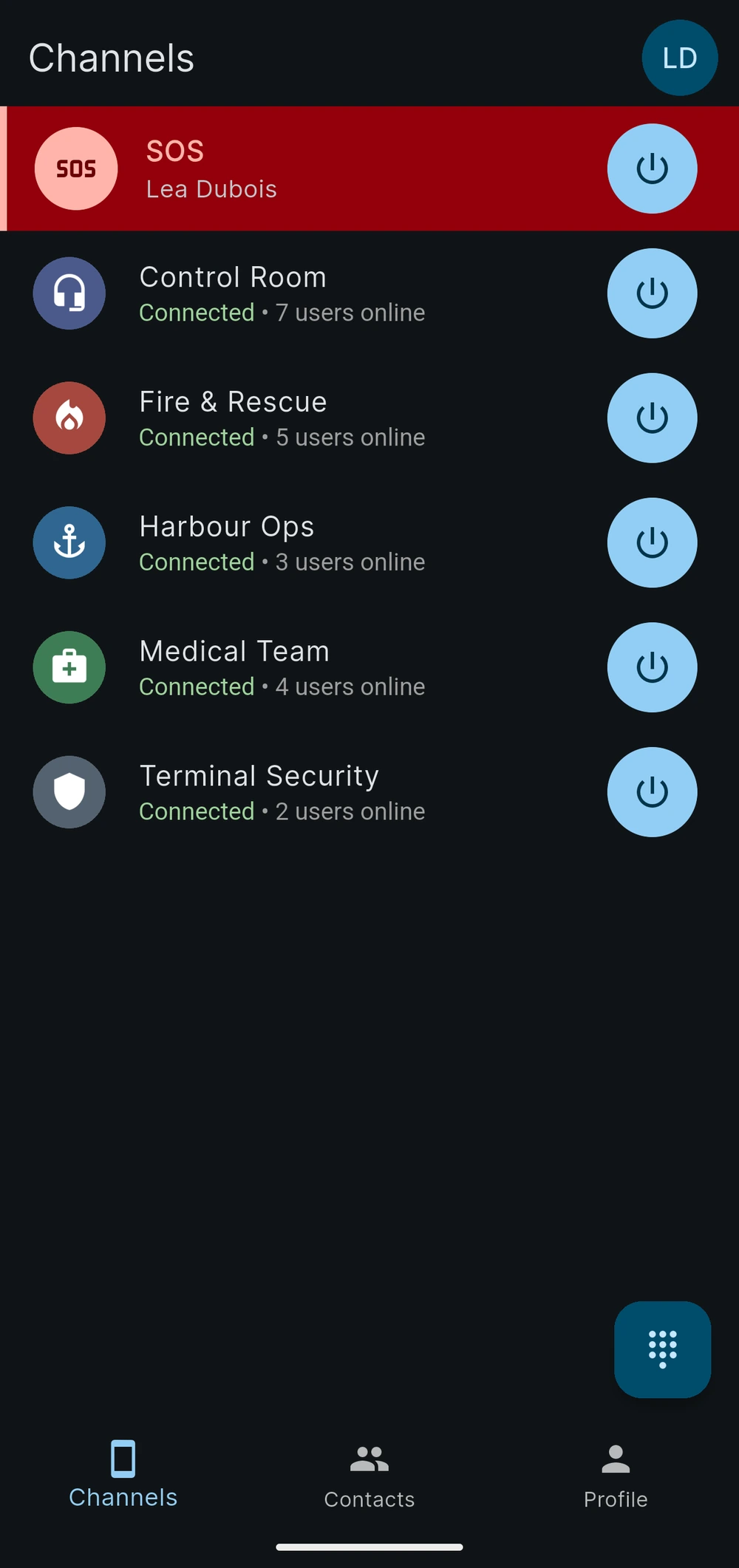
Each team talks on its own intercom channel. Whoever presses the button talks and the others listen, one at a time, and the talker’s name shows on every screen. You can give every user their own audio priority.
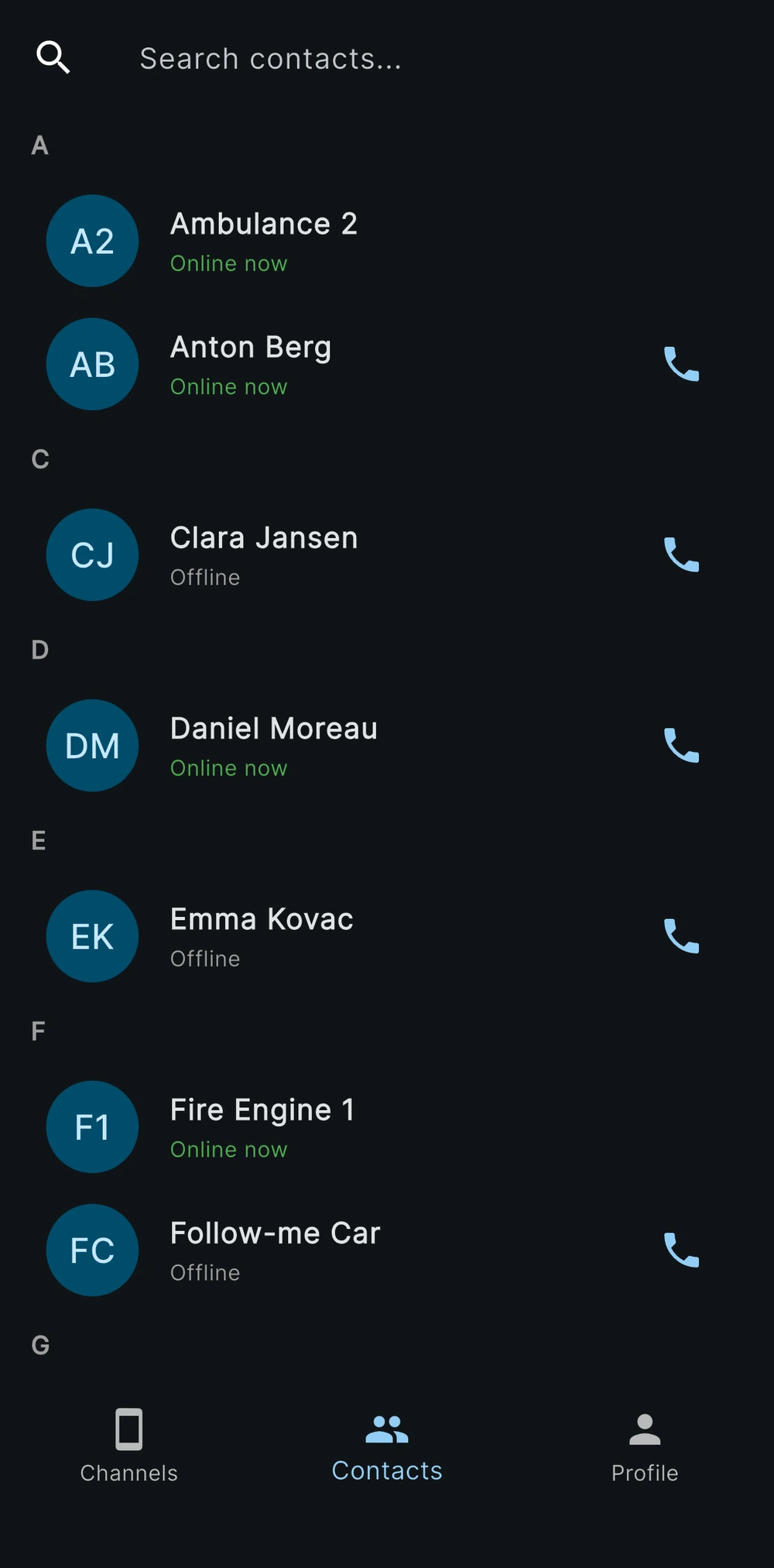
You can message the channel and call a colleague.
In intercom channels and direct messages you can send text, photos, documents and your position. For a private conversation, the voice call comes in just like a phone call.
The alarm reaches the whole team.
When someone sends an SOS, an emergency channel opens: everyone hears their voice and sees their position, and anyone can answer. The man-down alarm uses the phone’s own sensors and starts with a pre-alarm the user can cancel; the administrator switches it on for the whole organization.
How it compares with physical radios
Range
- Physical radios
- Depends on the transmitter and on the repeaters installed.
- App with intercom channels
- Wherever the phone has 4G, 5G or Wi-Fi coverage.
Without a mobile network
- Physical radios
- They keep working with no network at all.
- App with intercom channels
- It needs mobile coverage or Wi-Fi.
License
- Physical radios
- Professional frequencies need a license.
- App with intercom channels
- It needs a SIM with a data plan or Wi-Fi.
Who is talking
- Physical radios
- You recognize the voice, or the radio ID on digital networks.
- App with intercom channels
- The talker’s name shows on everyone’s screen.
Beyond voice
- Physical radios
- Digital networks carry short text messages or GPS positions.
- App with intercom channels
- The channel carries text, photos, documents and position.
| Physical radios | App with intercom channels | |
|---|---|---|
| Range | Depends on the transmitter and on the repeaters installed. | Wherever the phone has 4G, 5G or Wi-Fi coverage. |
| Without a mobile network | They keep working with no network at all. | It needs mobile coverage or Wi-Fi. |
| License | Professional frequencies need a license. | It needs a SIM with a data plan or Wi-Fi. |
| Who is talking | You recognize the voice, or the radio ID on digital networks. | The talker’s name shows on everyone’s screen. |
| Beyond voice | Digital networks carry short text messages or GPS positions. | The channel carries text, photos, documents and position. |
Frequently asked questions
It is a Respondr channel with no radio behind it. The server relays the voice between the users of the app and of the console, one at a time, and the channel also carries text, photos, documents and position. A radio channel, by contrast, is linked to a gateway. In the dispatcher both kinds are handled the same way and can be patched together.
The free plan includes 2 users, administrator included, and 1 intercom channel, with the iOS and Android apps and the browser console. It never expires and needs no credit card. For more users and more channels you can contact us; connecting radios needs a dedicated installation instead.
Voice and messages travel encrypted between the app, the console and the server: TLS 1.3 on every connection, and AES-128-GCM on audio sent over UDP. Saved messages are encrypted at rest with AES-256, and so are recordings with Business and Enterprise. The server decrypts the audio because it has to relay it to the channel members. With Enterprise the server is dedicated, and the data stays in the country you choose or in your own network.
Yes, with the Enterprise plan. Connecting radios needs a dedicated server, on premise or in the cloud, and a gateway for each network. The apps stay the same, and intercom channels keep working next to the radio channels.
What you need to start
A phone and a data connection are enough. You do not need radios, gateways or installations.
A phone
An iOS or Android phone, or an Android PoC radio, with the Respondr app.
A data connection
4G or 5G coverage, or Wi-Fi.
Your team is talking within minutes.
Start for free